
Strategy Editor
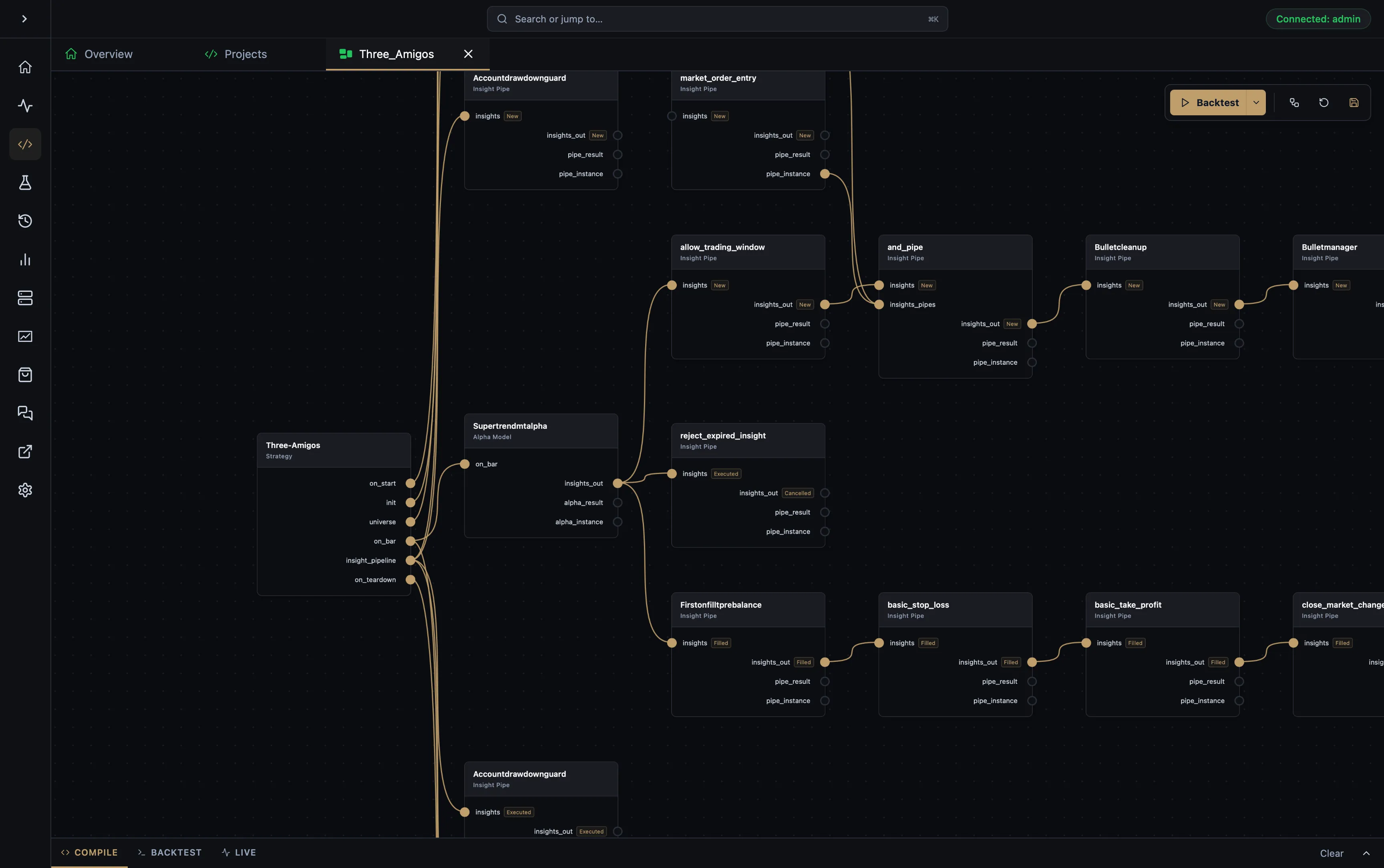
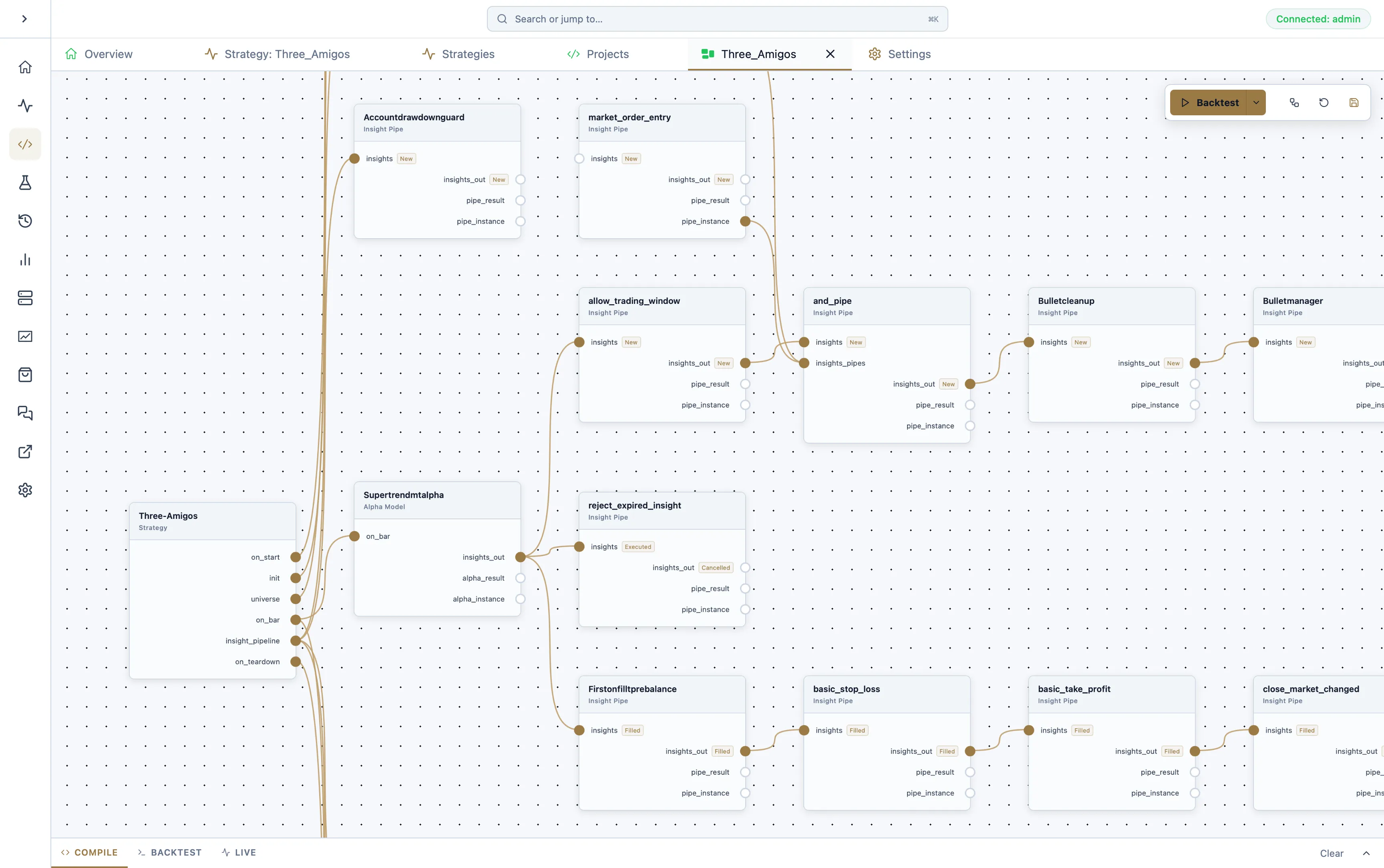
The Strategy Editor is the visual authoring surface in AQS. It helps you assemble the structure around a strategy while keeping the project connected to the runtime that AQE executes.
What the editor is for
Section titled “What the editor is for”- define strategy structure
- configure runtime settings
- select universe and timeframe inputs
- choose broker and datafeed settings
- bind projects to AQS Cloud strategy sessions when required
- move from authoring into backtest and live operation
Work through the sidebar
Section titled “Work through the sidebar”Start with Config: check the strategy name, universe, timeframe, datafeed, execution broker and run mode. Choose Files to inspect the generated Rust project and your component source. Use Nodes to browse the strategy structure, then select a node to edit its properties.
Use Hyperparameters to define parameter domains and bind compatible node inputs. A selected default seed uses one configuration; clearing it starts a full sweep when you backtest. See Hyperparameters before launching a large combination set.
Move between nodes and code
Section titled “Move between nodes and code”- Assemble the strategy and its Insight Pipeline hierarchy in the node editor.
- Create or select the custom component you need, then open its Rust source from the project files or your external editor.
- Make the implementation change in the component source. Generated entry-point code can be regenerated on the next run, so keep reusable logic in the component.
- Compile and read the editor logs. Resolve the first compiler error before rerunning.
- Backtest and inspect the affected insight history to confirm the behaviour.
The current engine can defer a pipe while execution or a required snapshot is pending. When updating custom components, follow the current pipe result API.
Choose where to run
Section titled “Choose where to run”Select the execution server before deployment. The automatic compile target uses the selected node’s operating system and processor architecture; override it only when the recorded node details are incorrect.
Bind the project to an AQS Cloud strategy when you need cloud monitoring. A local run can also use Run locally only / no cloud binding. Review broker-account ownership conflicts before launching a second process for the same account.
Why it matters
Section titled “Why it matters”The editor is not separate from the execution workflow. It exists to feed the same strategy lifecycle that appears later in backtest results and live strategy supervision.
Backtest fee configuration
Section titled “Backtest fee configuration”Use the editor’s runtime or backtest configuration to set paper broker fees before running a historical test. AQS stores these values in the strategy runtime config as brokerFees, and generated AQE code passes them into:
PaperBroker::new(AccountType::Paper, starting_cash, broker_leverage).with_asset_fees(broker_fees)The fee model separates commission from swap:
- Commission is a trading cost. Configure entry and exit commission separately for long and short positions.
- Swap is the overnight financing debit or credit. Configure long and short swap separately.
- Long means a position opened by a buy order.
- Short means a position opened by a sell order.
The saved brokerFees object follows the same shape AQE uses:
{ "brokerFees": { "commission": { "entry": { "long": { "percentageFee": 0.0005 }, "short": { "percentageFee": 0.0007 } }, "exit": { "long": { "fixedFee": 1.0 }, "short": { "fixedFee": 1.0 } } }, "swap": { "long": { "perContractFee": -3.25 }, "short": { "percentagePerContractFee": 0.000041 } } }}Use decimal rates for percentage commission (0.001 is 0.1%). Use daily decimal rates for percentage-per-contract swap (0.0001 is 0.01% per day). Leave a cell as none when the broker does not charge or credit that side. AQS does not expose point-based commission because AQE only gives AssetFee::Points economic meaning during swap calculation.
Both commission and swap cells map to AQE’s public AssetFee enum. For the engine-side fee kinds, structure, and calculation rules, see Asset fee model.
Older strategy metadata can still contain top-level entry and exit commission fields. AQE only uses those as a fallback when the new side-specific commission object is empty.
Related surfaces
Section titled “Related surfaces”- Backtest Review to evaluate historical behaviour
- Live Strategies to supervise active sessions after deployment
We use essential cookies and storage for sign-in, account security, colour theme preferences, this notice, and required PostHog internal usage, session quality, and reliability metrics. We do not use advertising cookies.